
📝World Builders can link a 📝YouTube video to an 📝Object and make it playable in-world (see below) with minor alteration to the video's URL. To do this, follow the guide below:
- Take a youtube url (e.g. https://www.youtube.com/watch?v=h6fcK_fRYaI)
- Change ‘watch’ to ‘watch_popup’ (e.g. youtube.com/watch_popup?v=h6fcK_fRYaI)
- Then, in Topia's 📝Asset Editor, click 'Links' and add it as an embedded webpage
- https://youtube.com/watch_popup?v=tRSNv7SjF_c
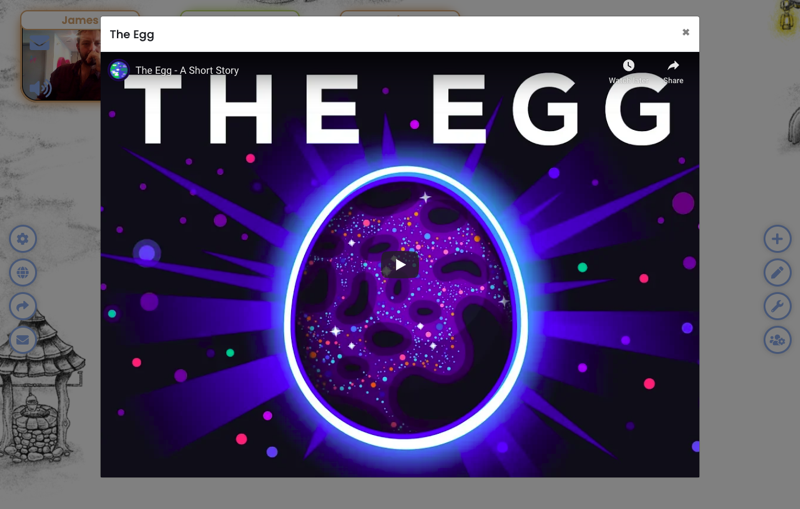
When that object is clicked, the video will appear in-world as a pop-over like this 👇
Playlists
Youtube playlists can be added as well.
- Take the share link of the YouTube playlist (e.g. https://youtube.com/playlist?list=PLCM8UQYJ_yREIu7ZYZnz01AS5i1zW4DPN)
- Change '/playlist?' to '/embed/videoseries?' (e.g. https://youtube.com/embed/videoseries?list=PLCM8UQYJ_yREIu7ZYZnz01AS5i1zW4DPN)
- Then, in Topia's 📝Asset Editor, click 'media' and add the edited link under 'Media link'
Every time someone leaves the world and comes back, the audio will start again from the beginning of the playlist for that person.
Questions?
Text us at +1 (213) 397-2272, email us at [email protected], or post in community.inc.one.